
See the purchase clearly
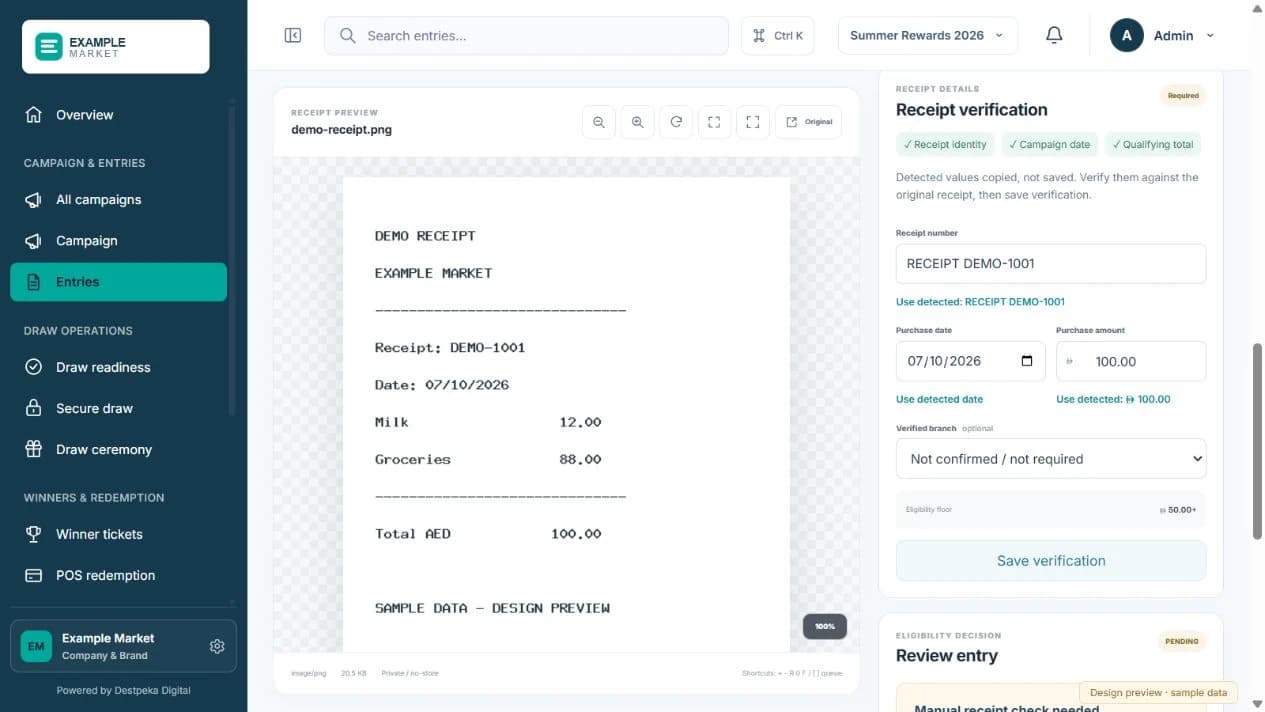
Review the uploaded receipt, purchase amount and participating branch before deciding.
Receipt-based raffles
Review the receipt date, purchase amount, branch and submission details against campaign criteria. Duplicate checks and eligibility controls support consistent approval decisions.
THE OPERATIONAL DETAILS
Review the uploaded receipt, purchase amount and participating branch before deciding.
Approve qualifying receipts or record why an entry needs further review.
Give your team a clear review history for each entry.
A LOOK AT THE EXPERIENCE
No. Upload confirms receipt of a submission. The team reviews the evidence against campaign rules before eligibility approval.
Check the purchase date, participating branch, amount, legibility and duplicate indicators. Keep the decision connected to the submitted evidence.
Yes. Define participating locations and shared eligibility criteria during setup. Branch context should remain part of the receipt review.
READY TO GET STARTED?
Let’s talk about how RaffleOps can work for your business.
Own the Opportunity