
Brand the operator workspace
Configure company identity in the administrator side so the installed workspace reflects the organization operating the campaigns. This is distinct from designing an individual customer-facing promotion page.
White label
Configure company identity in the administrator side so the installed workspace reflects the organization operating the campaigns.
THE OPERATIONAL DETAILS
Configure company identity in the administrator side so the installed workspace reflects the organization operating the campaigns. This is distinct from designing an individual customer-facing promotion page.
Review the dashboard, company settings and campaign management views in the product tour. Confirm which branding elements are included before requesting broader interface customization; standard branding and bespoke development may have different scope.
A LOOK AT THE EXPERIENCE
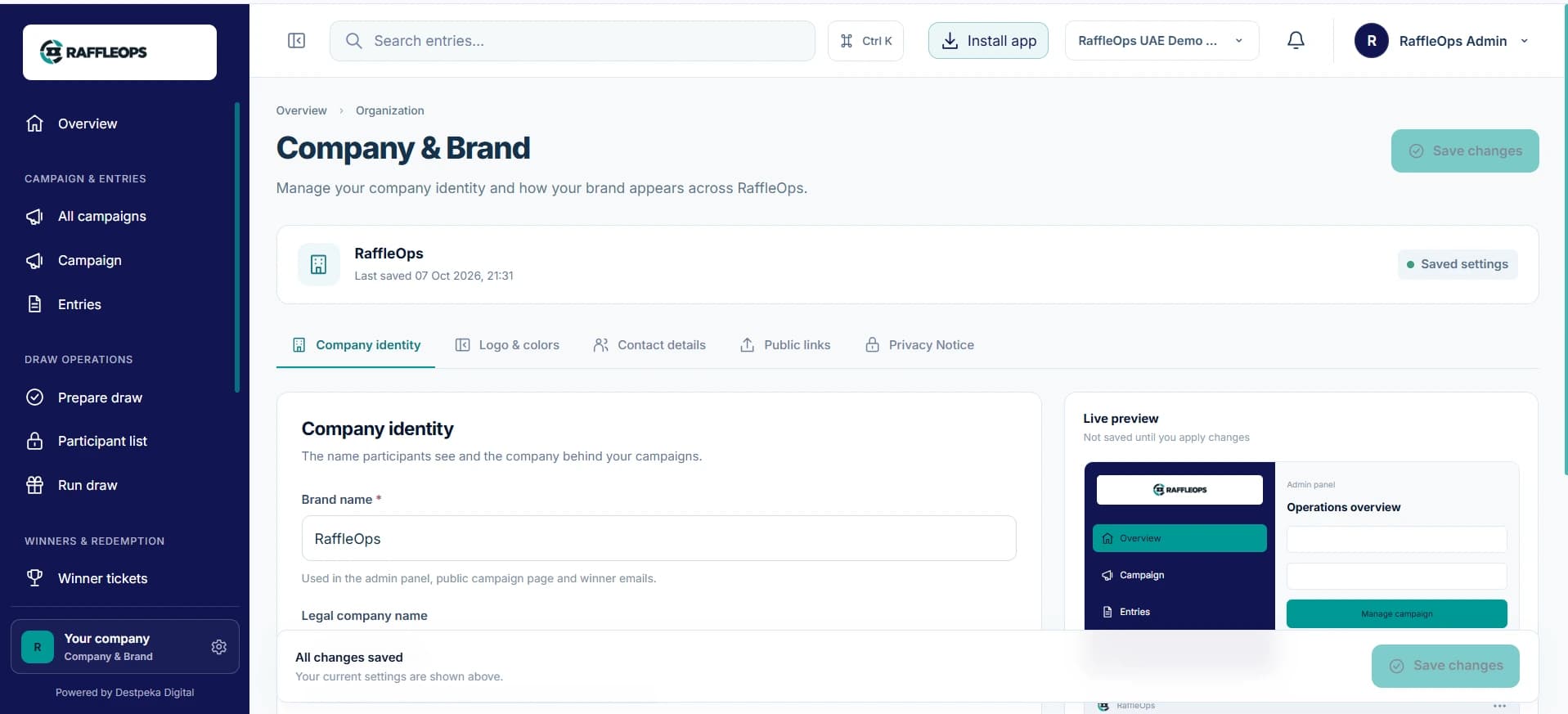
White-label setup covers both sides of the campaign. Agree the logo, colors and customer-facing language during implementation.
Custom-domain options are available. Coordinate DNS, certificates and hosting responsibilities with the deployment plan.
The operational chain remains connected: submission, verification, pool controls, draw, rewards and audit. Branding makes that experience consistent with your organization.
READY TO GET STARTED?
Let’s talk about how RaffleOps can work for your business.
Own the Opportunity